


CyberArk Sentry - Privilege Cloud - CPC-SEN Exam Questions
QUESTION NO: 1
What creating a new safe, what is the default number of password versions stored if using 'Save latest account versions' within version management settings?
What creating a new safe, what is the default number of password versions stored if using 'Save latest account versions' within version management settings?
Correct Answer: A
Explanation: Only visible for Pass4Test members. You can sign-up / login (it's free).
QUESTION NO: 2
You want to change the default PSM recordings folder path on the Privilege Cloud Connector Arrange the steps to accomplish this in the correct sequence.
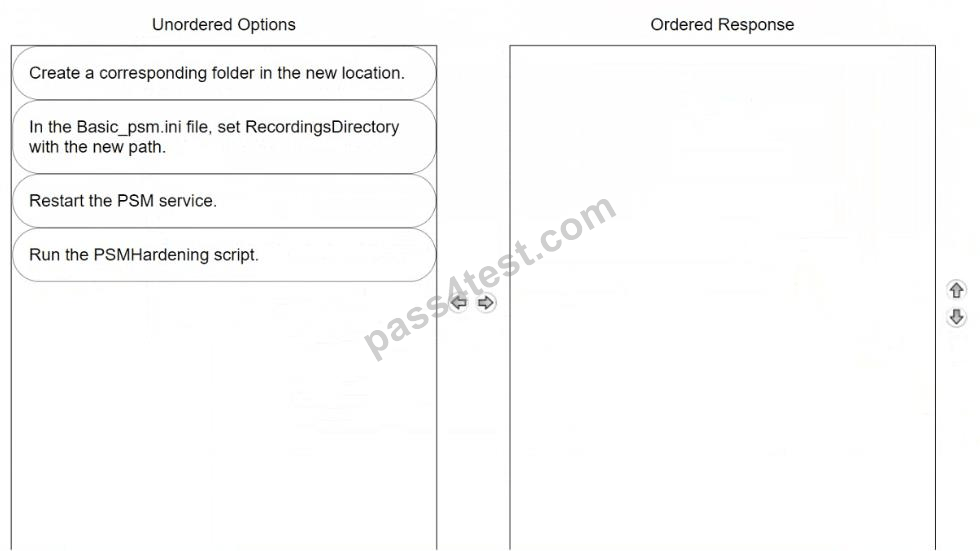
You want to change the default PSM recordings folder path on the Privilege Cloud Connector Arrange the steps to accomplish this in the correct sequence.
Correct Answer:
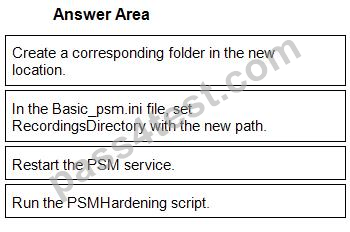
1 - Create a corresponding folder in the new location.
2 - In the Basic_psm.ini file, set RecordingsDirectory with the new path.
3 - Restart the PSM service.
4 - Run the PSMHardening script.
QUESTION NO: 3
According to best practice, when considering the location of PSM Connector servers in Privilege Cloud environments, where should the PSM be placed?
According to best practice, when considering the location of PSM Connector servers in Privilege Cloud environments, where should the PSM be placed?
Correct Answer: A
Explanation: Only visible for Pass4Test members. You can sign-up / login (it's free).
QUESTION NO: 4
What are the basic network requirements to deploy a CPM server?
What are the basic network requirements to deploy a CPM server?
Correct Answer: D
Explanation: Only visible for Pass4Test members. You can sign-up / login (it's free).
QUESTION NO: 5
What is a requirement when installing the PSM on multiple Privileged Cloud Connector servers?
What is a requirement when installing the PSM on multiple Privileged Cloud Connector servers?
Correct Answer: D
Explanation: Only visible for Pass4Test members. You can sign-up / login (it's free).
QUESTION NO: 6
Arrange the steps to failover to the passive CPM in the correct sequence.
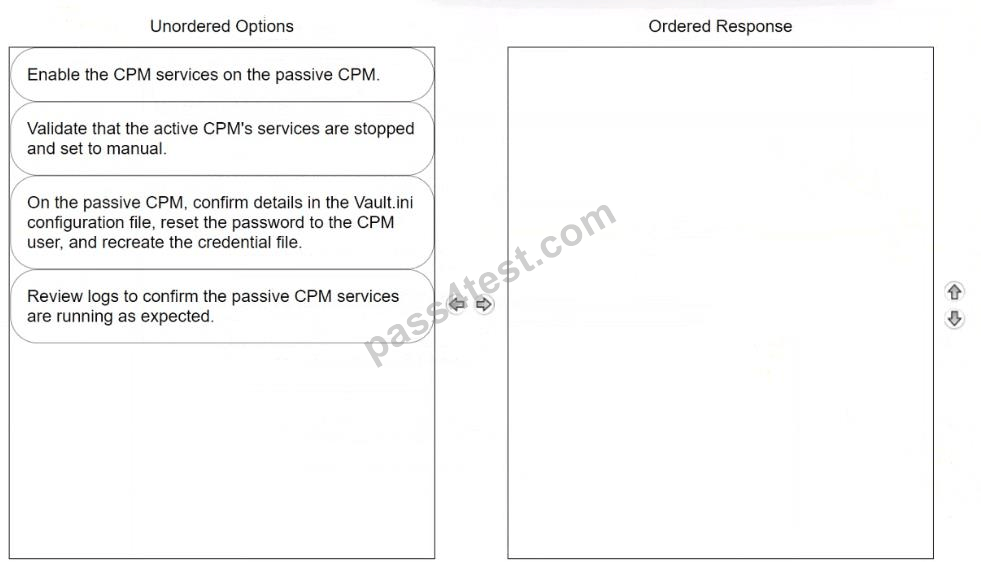
Arrange the steps to failover to the passive CPM in the correct sequence.
Correct Answer:
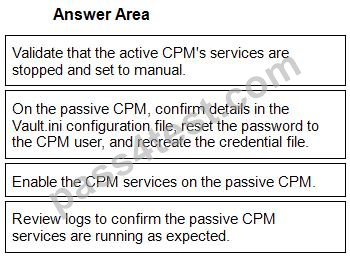
1 - Validate that the active CPM's services are stopped and set to manual.
2 - On the passive CPM, confirm details in the Vault.ini configuration file, reset the password to the CPM user, and recreate the credential file.
3 - Enable the CPM services on the passive CPM.
4 - Review logs to confirm the passive CPM services are running as expected.

